

California
$22.00
Sale price
$22.00
Regular price
$33.00
Skip to product information


California brings warm, slightly muted color and turquoise skies to photos and videos. Its 15 presets and 15 matching LUTs combine gentle desaturation with warm color grading for a relaxed, film-inspired California look. The result feels polished and cohesive without making the colors look overly processed.
What's included
This pack includes:
✓ 15 desktop & mobile presets
✓ 15 LUTs (.cube files)
✓ Easy step-by-step instructions
✓ ajust Quick-Start Guide — Learn how to get the most out of your presets and edit with confidence from day one.
✓ A pack of unedited photos to practice with
✓ 15 desktop & mobile presets
✓ 15 LUTs (.cube files)
✓ Easy step-by-step instructions
✓ ajust Quick-Start Guide — Learn how to get the most out of your presets and edit with confidence from day one.
✓ A pack of unedited photos to practice with
Money Back Guarantee
We are 100% confident in the products we create. Therefore we offer a 14 day money back guarantee. Learn more...
Compatibility
Presets compatible with:
✓ Free Lightroom Mobile App for iOS and Android
✓ All versions of Lightroom on Mac & Windows
✓ All versions of Lightroom Classic on Mac & Windows
✓ Photoshop Camera Raw
LUTs compatible with:
✓ All Video and Photo Editors that can work with LUTs, including, but not limited to:
✓ Adobe Photoshop, Adobe Lightroom Classic, Adobe Camera Raw, Adobe After Effects, Adobe Premiere Pro, Affinity Photo, CapCut, VN Video Editor, DaVinci Resolve, Wondershare Filmora, Final Cut Pro, LumaFusion, Luminar, HitFilm Express, CyberLink PowerDirector, Vegas Pro, GIMP, Magix Movie Edit Pro, Pixelmator, Darktable, Shotcut, Olive Video Editor, ON1 Photo RAW, DxO PhotoLab and many more...
All presets come with easy to follow step-by-step installation instructions for all devices. If you have any difficulties, reach out and we'll be there for you 😊


Why Choose Our Presets & LUTs?
We believe in providing the best value and service to our customers. Here's how our presets stack up against the competition:
ajust
Other Brands
Free Lifetime Updates
✓
✕
LUTs included
✓
✕ (or sold separately)
Compatibility
All versions of Lightroom, Photoshop Camera Raw & every editor that works with LUTs (30+)*
Lightroom 7.3+ only
Desktop & Mobile
✓
Some
For Photo & Video
✓
✕
Getting Started Guide
✓
✕
Sample Photos Included
✓
✕
Money-Back Guarantee
14 Days
✕
*Adobe Photoshop, Adobe Lightroom, Adobe Lightroom Classic, Adobe Camera Raw, Adobe After Effects, Adobe Premiere Pro, Affinity Photo, CapCut, VN Video Editor, DaVinci Resolve, Wondershare Filmora, Final Cut Pro, LumaFusion, Luminar, HitFilm Express, CyberLink PowerDirector, Vegas Pro, GIMP, Magix Movie Edit Pro, Pixelmator, Darktable, Shotcut, Olive Video Editor, ON1 Photo RAW, DxO PhotoLab and more...
Get

Master Collection
$170.00
$519.00
Are you looking for the perfect preset for every situation? Do you crave a diverse range of styles to enhance your ph...
View details
M
My photo editing experience: I have some experience editing photos
Californie apportera une touche d'originalité et de modernité à vos photos, je recommande
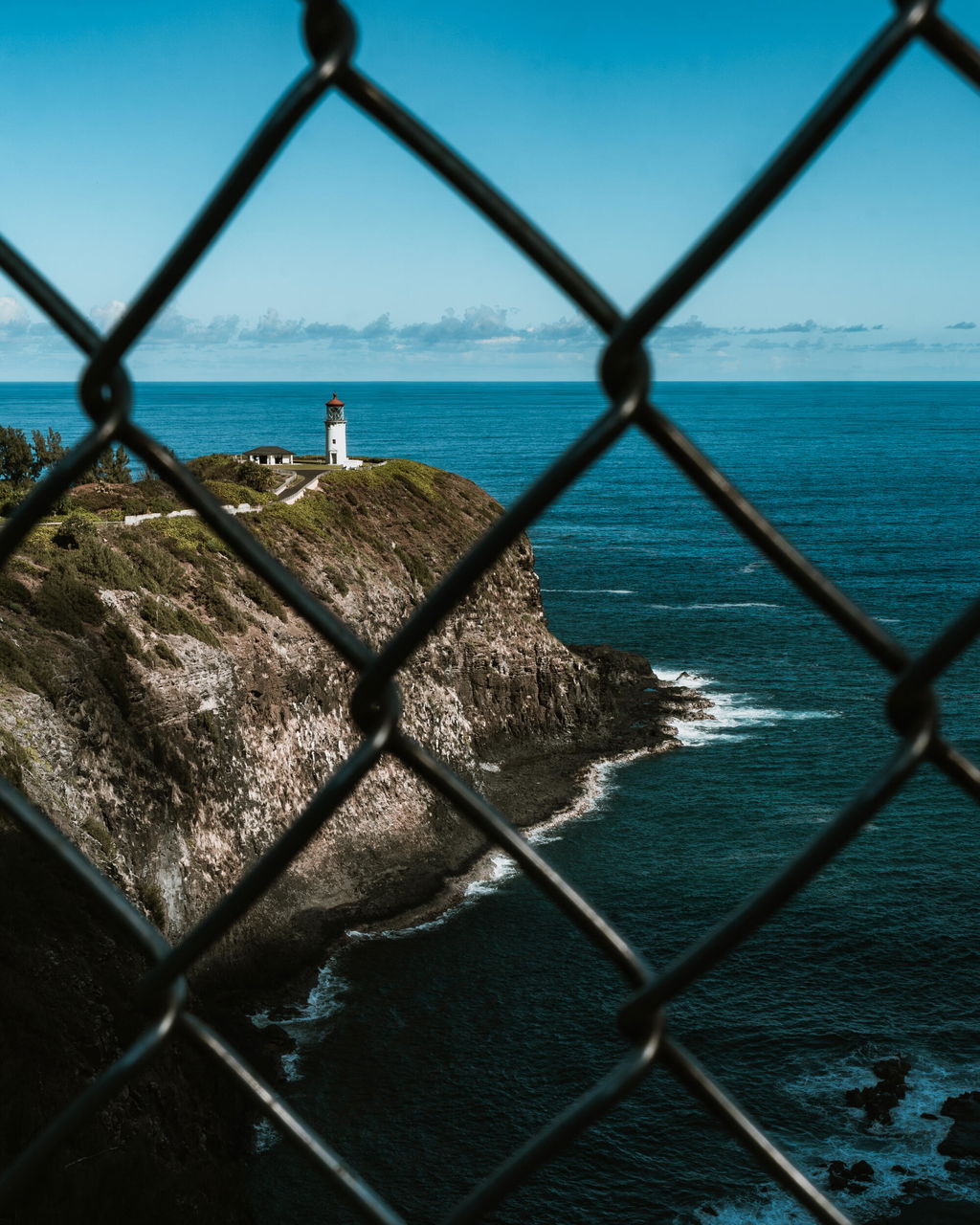
Merci beaucoup pour ce partage d'expérience et cette si jolie photo, Matthieu!
S
Absolutely fantastic! I made my photo looked incredible in just a few clicks.
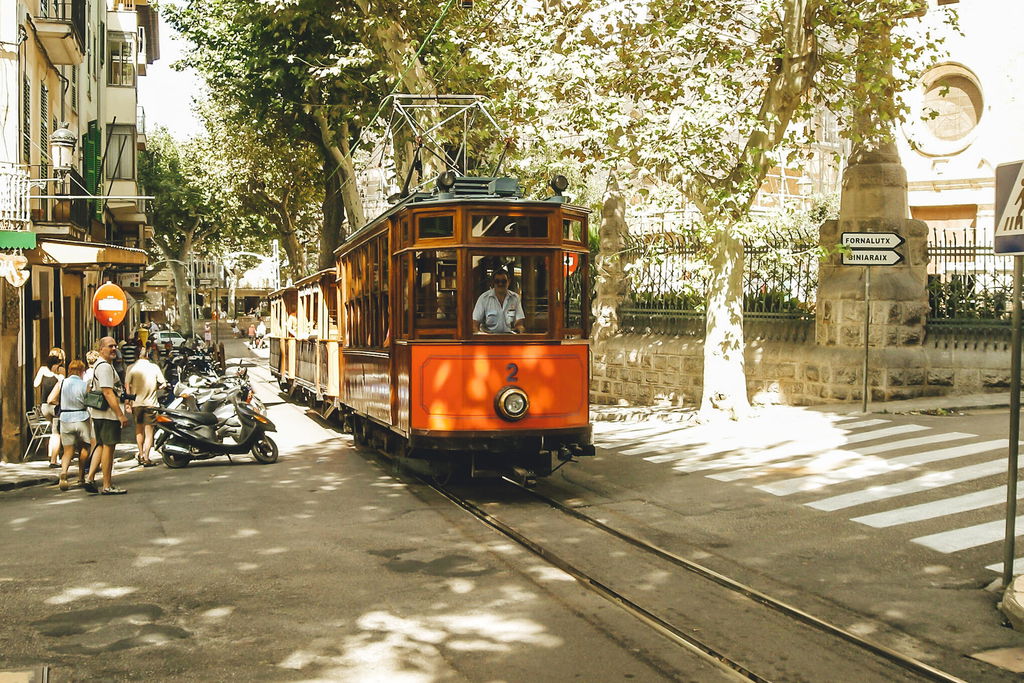
Thank you very much for taking the time to share a photo. Great shot!
S
While indomlove the presets, I was never Elbe to integrate as implied into Lightroom mobile. I’m have to use a really clunky workaround.
Hey, thanks for the review, glad you like the presets!
Sadly, the installation process is nothing we can influence. Adobe created the Lightroom Mobile app and they make the rules on how presets can be installed.
Installing the presets in Lightroom Mobile usually only takes a few minutes. I am very interested to know what difficulties you had. I have sent you an email with a few short questions and I'd be super happy if you could answer those. That way I can help you install them quicker next time and it'll help improve the experience for future customers (: