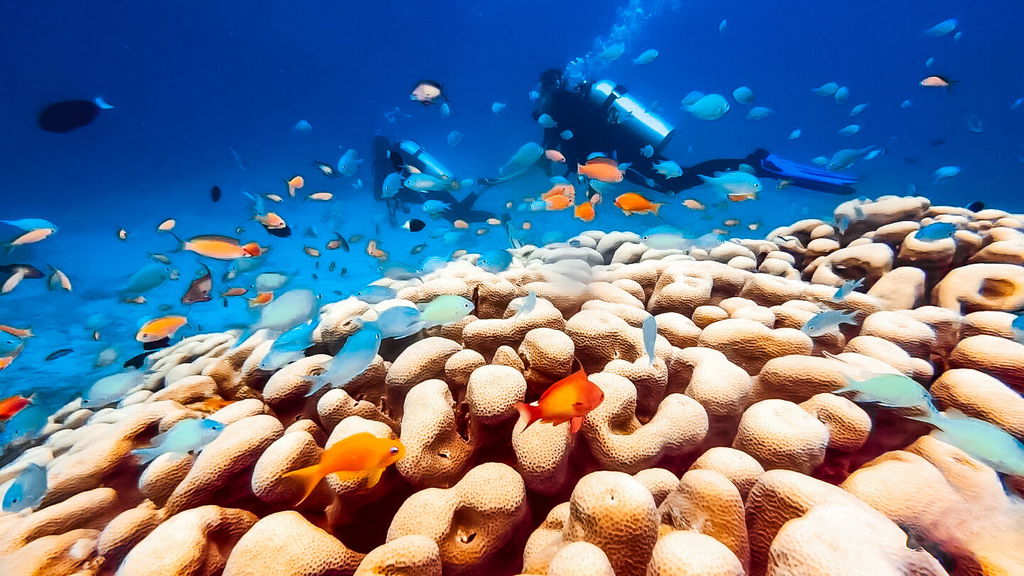
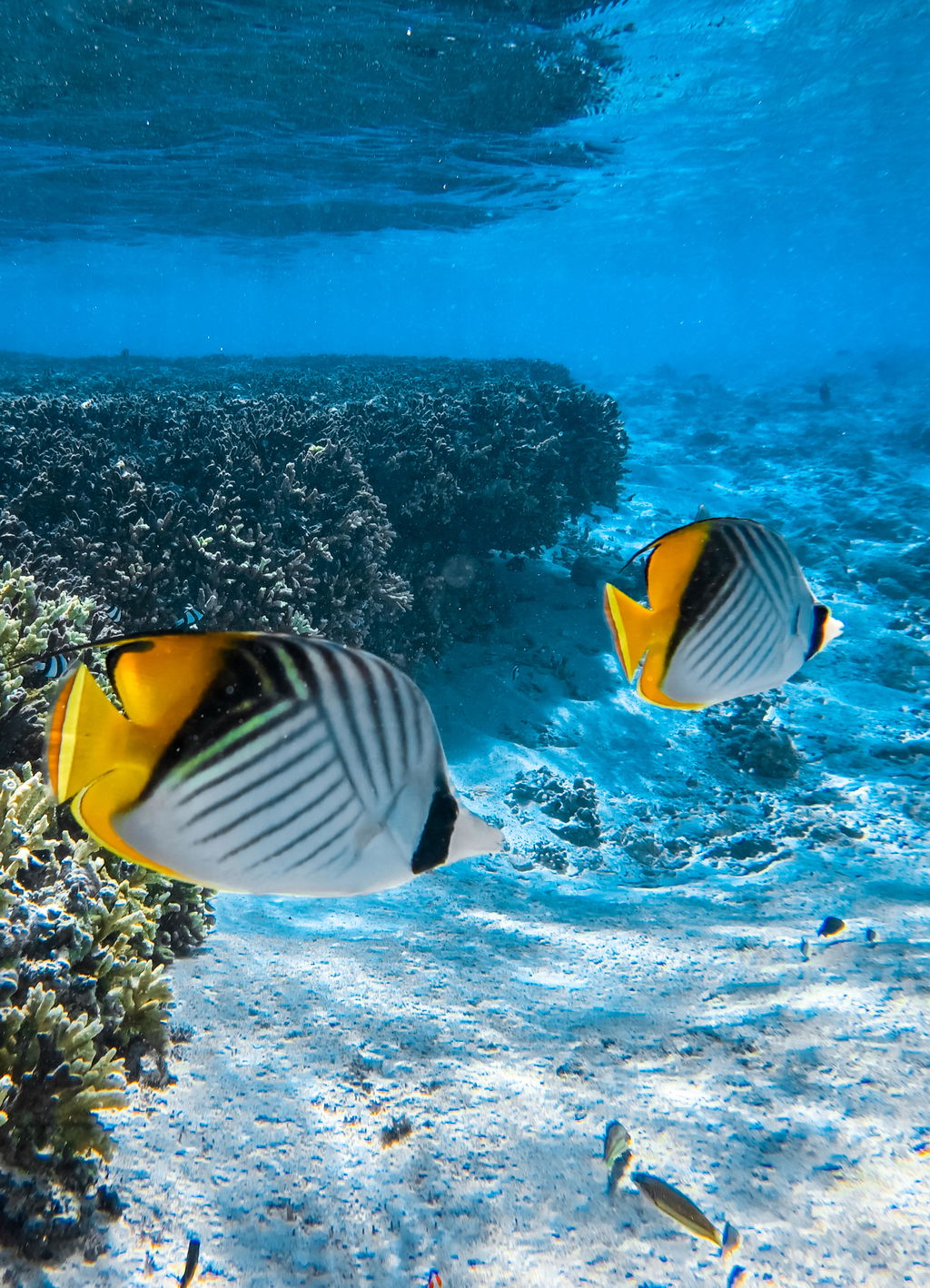
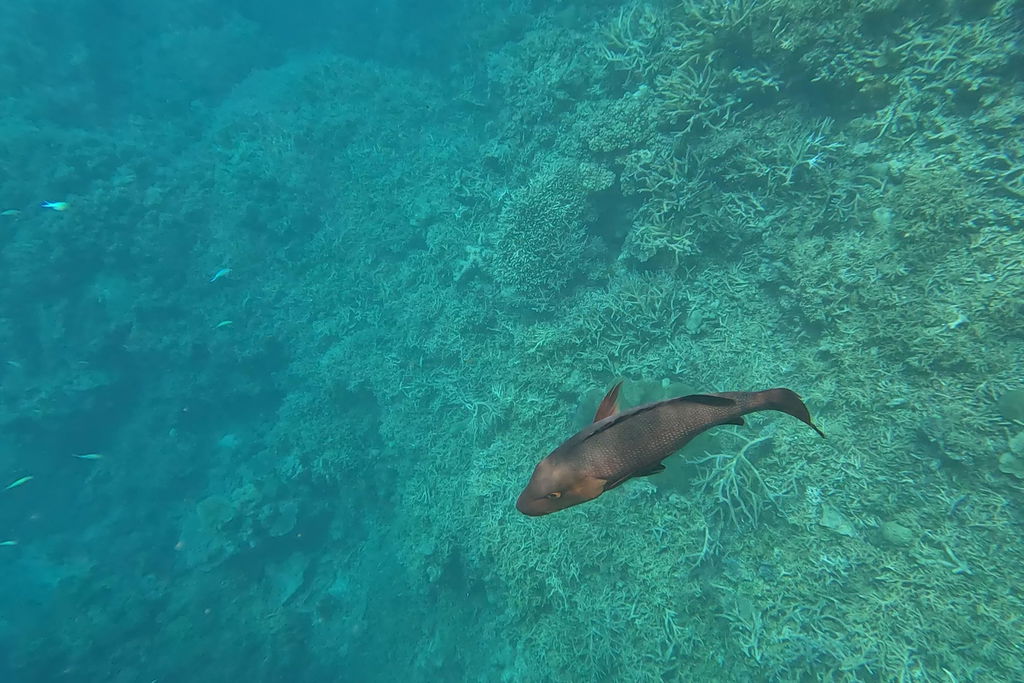
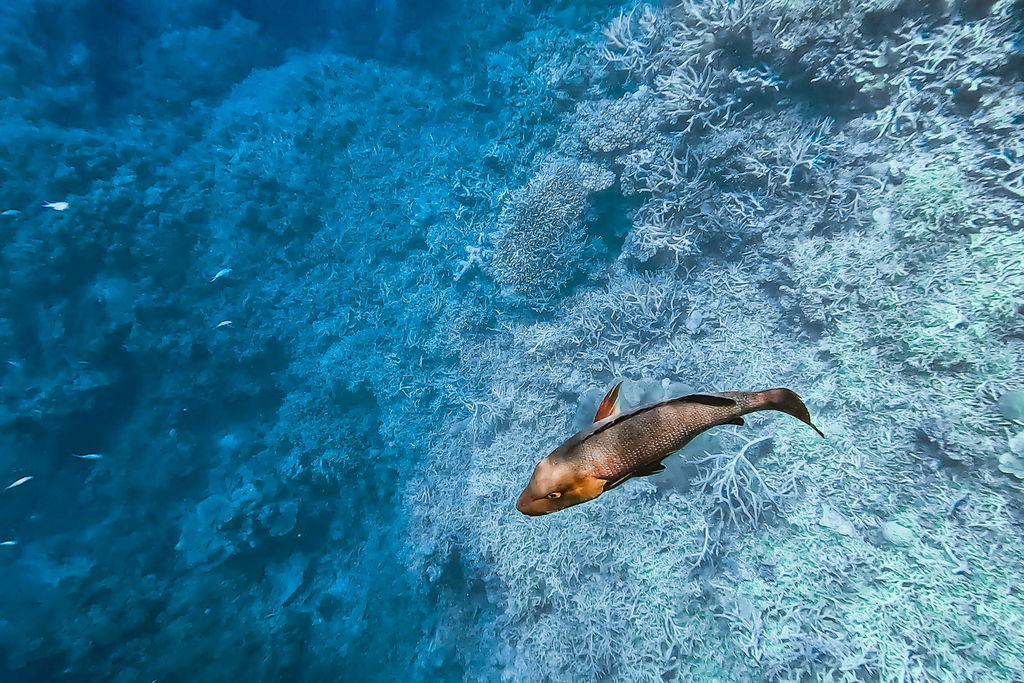
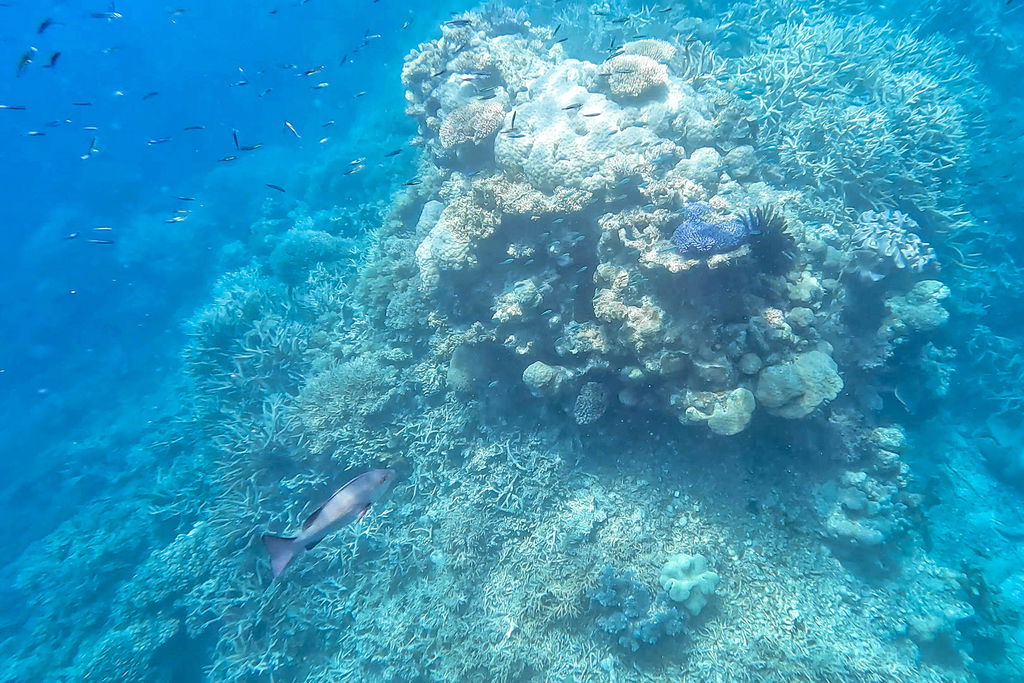
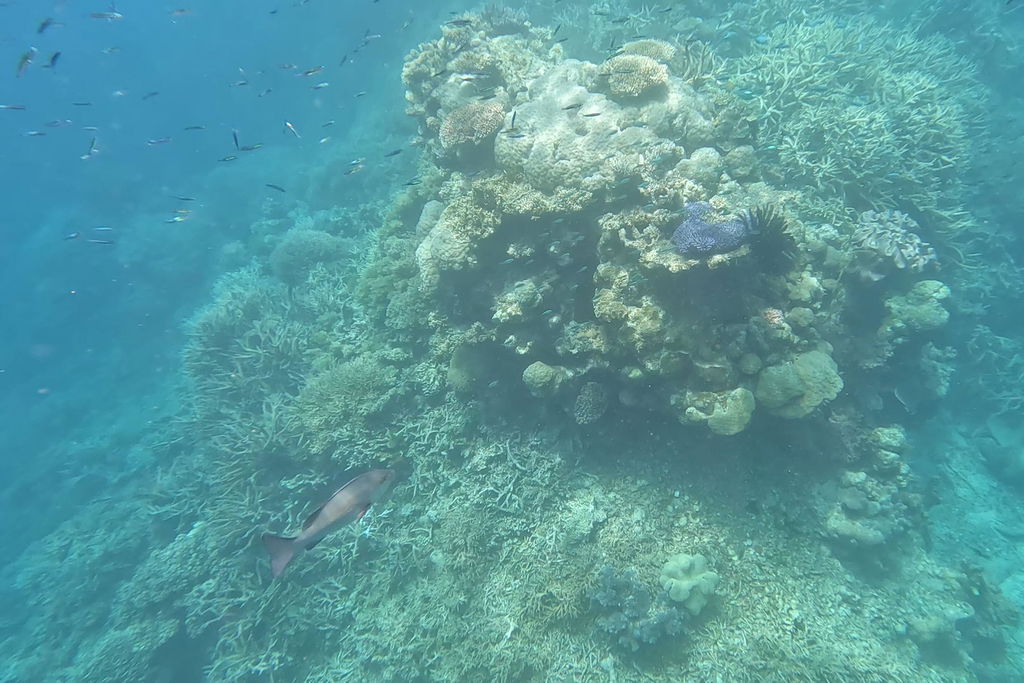
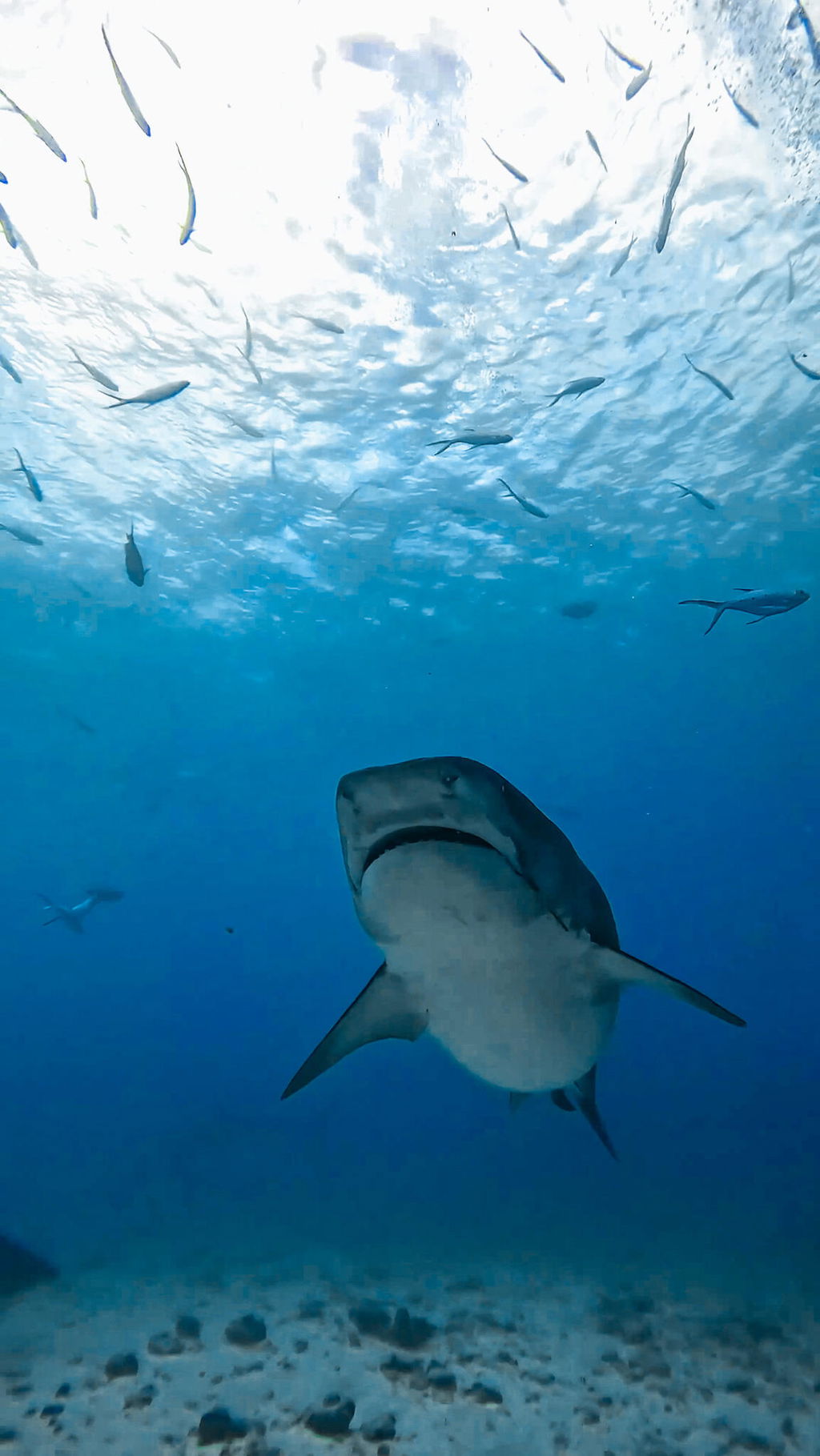
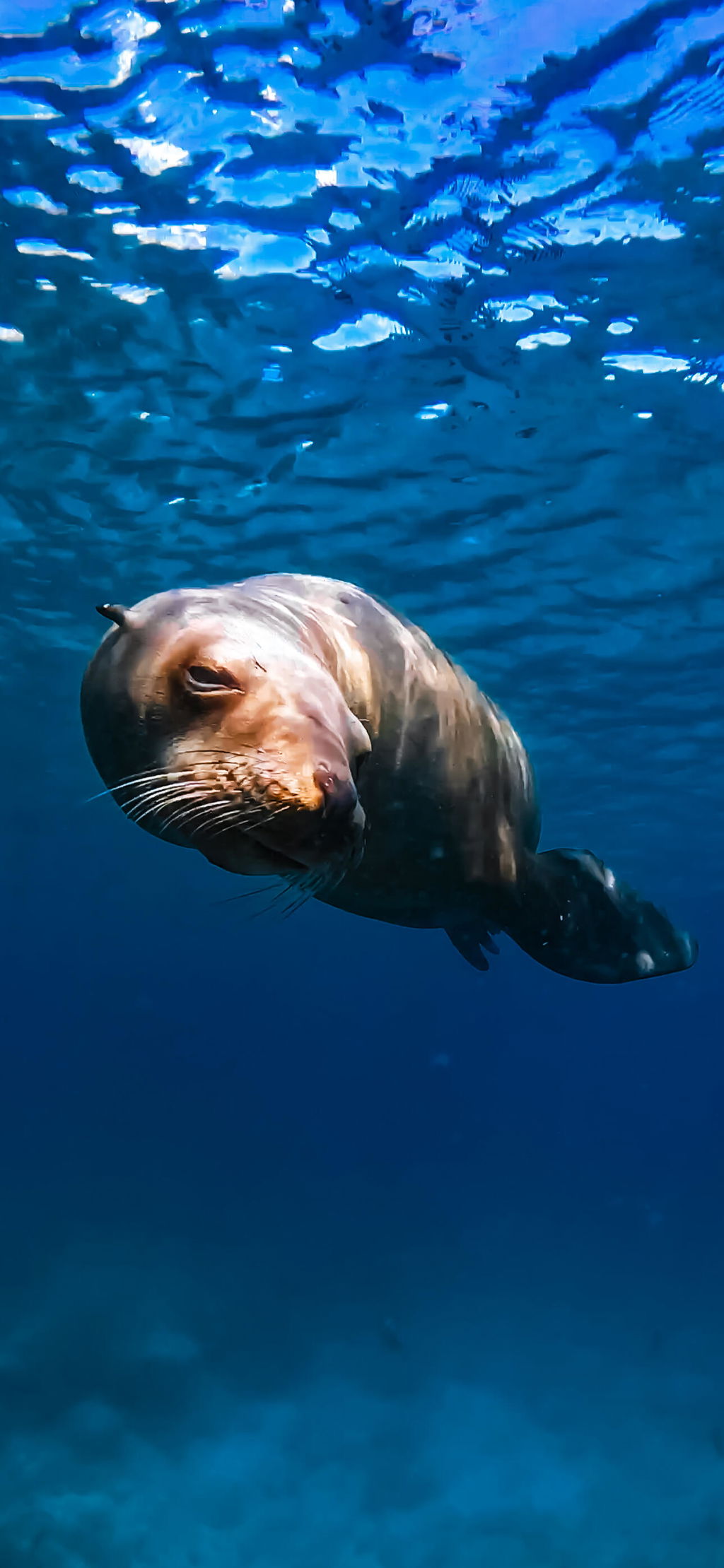
See Every Tool In Action
Every tool can be used individually or combined with any other tool to build your perfect underwater edit.


Underwater Toolkit

Green water. No clarity. Washed-out colors.
Most presets only fix one thing.
This toolkit fixes everything, making underwater photo editing faster and easier.
Just pick what your photo needs:
That’s it.
Everything is stackable.
Use a single adjustment
or combine multiple tools in seconds.
Works on any underwater photo.
Just click and apply.
3 Base Presets
Balanced · Bright · Deep
7 Tools (3 strengths each)
Clarity · Green Fix · Color Pop
Depth · Blue Boost · Smooth Water
Subject Warmth (Adaptive)
We are 100% confident in the products we create. Therefore we offer a 14 day money back guarantee. Learn more...
✓ Free Lightroom Mobile App for iOS and Android
✓ Lightroom on Mac & Windows
✓ Lightroom Classic on Mac & Windows
✓ Photoshop Camera Raw
See Every Tool In Action
Every tool can be used individually or combined with any other tool to build your perfect underwater edit.
Cut through haze and improve visibility.
✚ Mix & Match
Fix Green Cast
Neutralize green water for natural colors.
✚ Mix & Match
Coral Pop
Make colors richer, brighter, and more vibrant.
✚ Mix & Match
Depth Contrast
Add depth, clarity, and visual impact.
✚ Mix & Match
Blue Boost
Create deeper, richer blue water tones.
✚ Mix & Match
Smooth Water
Create cleaner, softer-looking water. Reduce backscatter.
✚ Mix & Match
Subject Warmth
Restore natural skin tones and warmth.
✚ Mix & Match
Every tool comes in:
+ / ++ / +++
Pick the intensity you need — instantly.
(Or fine-tune with the amount slider.)
A pack of 24 stackable underwater Lightroom presets for fast, flexible editing.
3 Base Presets
Balanced · Bright · Deep
7 Tools (3 strengths each)
Clarity · Green Fix · Color Pop
Depth · Blue Boost · Smooth Water
Subject Warmth (Adaptive)
From green water to lost colors at depth, the Toolkit makes underwater photo color correction simple.
Lightroom · Lightroom Classic
Lightroom Mobile · Photoshop
Fix color. Restore clarity. Balance light.
All in seconds.

Easy to purchase, simple and straightforward installation and general usage instructions included. Even though I have no prior knowledge of image editing and light correction, I feel thay using these presets offered me an opportunity to really enhance my images
Love the ability to have this accelerator becuase it save me so much time.
Simple and easy to use. End results are great. Extremely useful to have the facility to manually adjust the image.
Amazing
Should have purchased it much earlier.
I am a diver and my photos look fantastic. very easy to use
The presets are great and easy ajustable
Thanks for sharing a photo, glad you like them!
These presets made a dramatic difference and were so easy to use!
Thanks Philip! So happy to see the presets doing exactly what we strive for. Thank you for sharing some photos, love them!
Perfect preset for underwater photos, now is very simple, fast and easy to edit!
Wow, awesome photo Marco! Great to see the presets put to good use!
Very happy with deep blue preset
Thanks for sharing, love the photos!
I really like this preset
Interesting, never seen this one used on non-underwater shots. But works nicely. Great shot!
Never saw much change in any pics with these presets
The results are pretty good and easy to use.
In my opinion some of the #11 presets are too similar.
I love the different hues in Deep Blue presets.
I have friends who are sub aqua sport divers and who always take underwater photos.
I have used these presets to enhance their photos to complete satisfaction.
None of the preset fit with What i want
Molto belli e molto utili
As always you presets slide in so discreet .when I see the difference before and after none of my work is altered and its hard to decide which preset to use
Makes my videos even worse
Worth the purchase. Made editing my videos and photos so much easier.
These presets have saved me a great amount of time. There is a huge variety, making them pretty flexible for most UW situations. I'm still feeling my way around them, but i think they show great promise!
Hey Steph, thanks a lot for the awesome feedback. I'm glad you're finding them useful!
Includes fabulous presets and easy to import into Lightroom.
Thanks a lot Donna! Happy you're enjoying them.
Vero usefull
I am disappointed with the result of the presets.
I am editing underwater videos and photos from a Gopro 12 and find my own editing much better.
I would not buy it again.
Ocean Bundle
All are ok i have already tried .
Thanks Claudio, glad you like them!